Why Sunlit
A Tanning Timer That Actually Reads the Sun
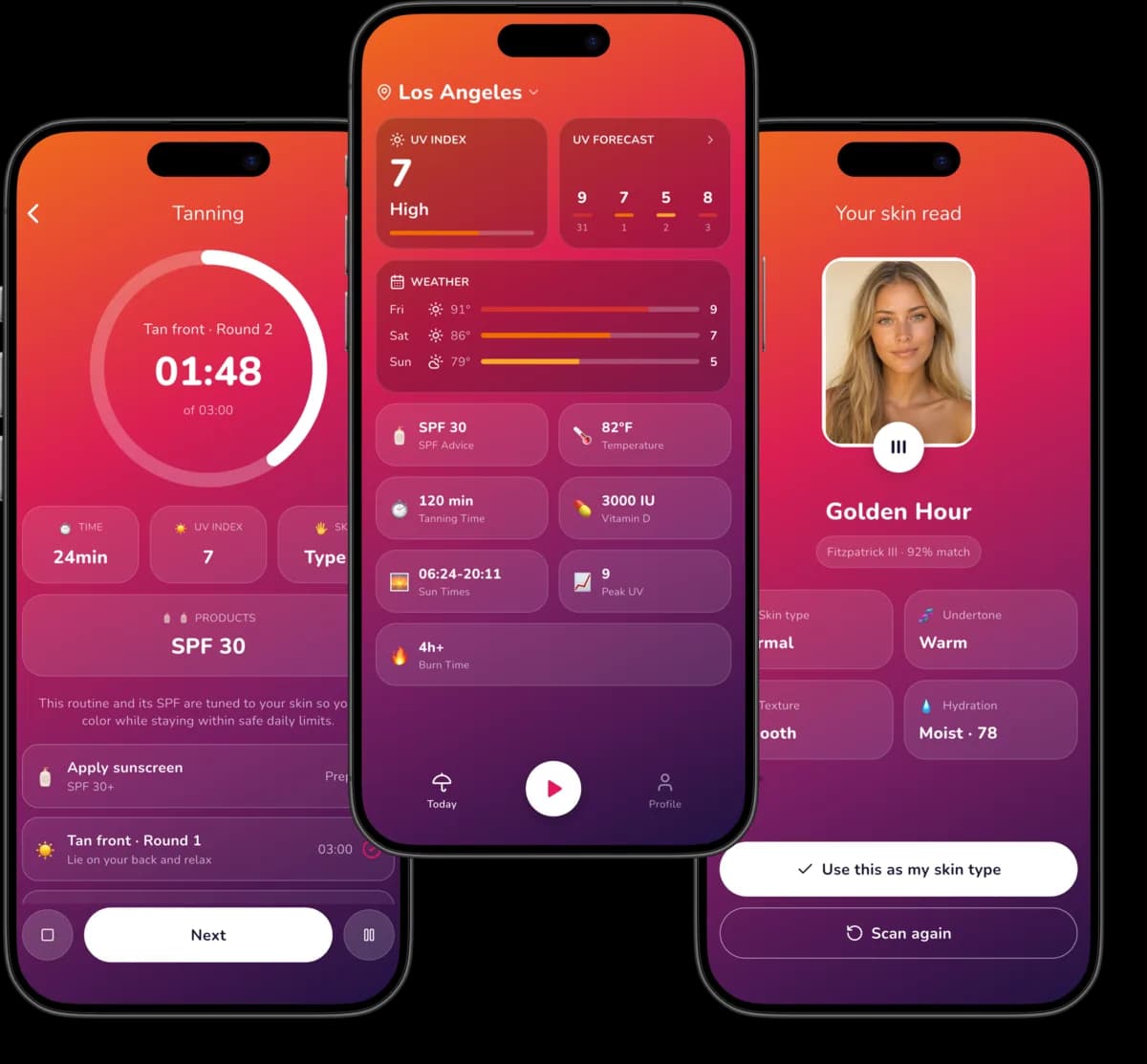
Sunlit replaces the guesswork with two things it can measure: the UV index above you right now, and the skin you were born with.
Your Burn Time, Not a Generic One
Sunlit calculates time-to-burn from your Fitzpatrick skin type, your SPF and how much skin you expose, using the WHO UV Index definition and published Minimal Erythema Dose ranges — so Type I and Type V never get the same answer.
Live UV for Your Exact Spot
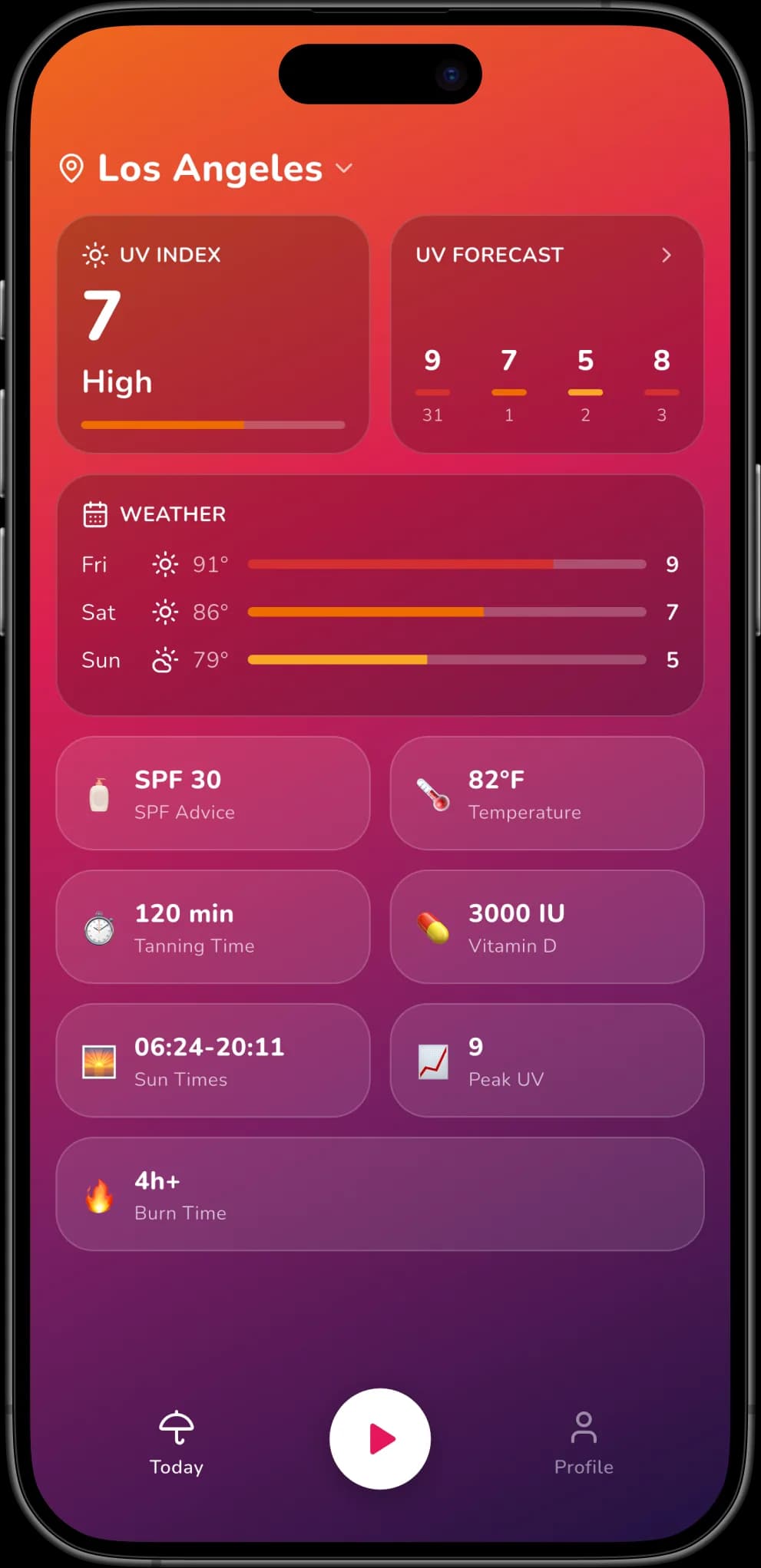
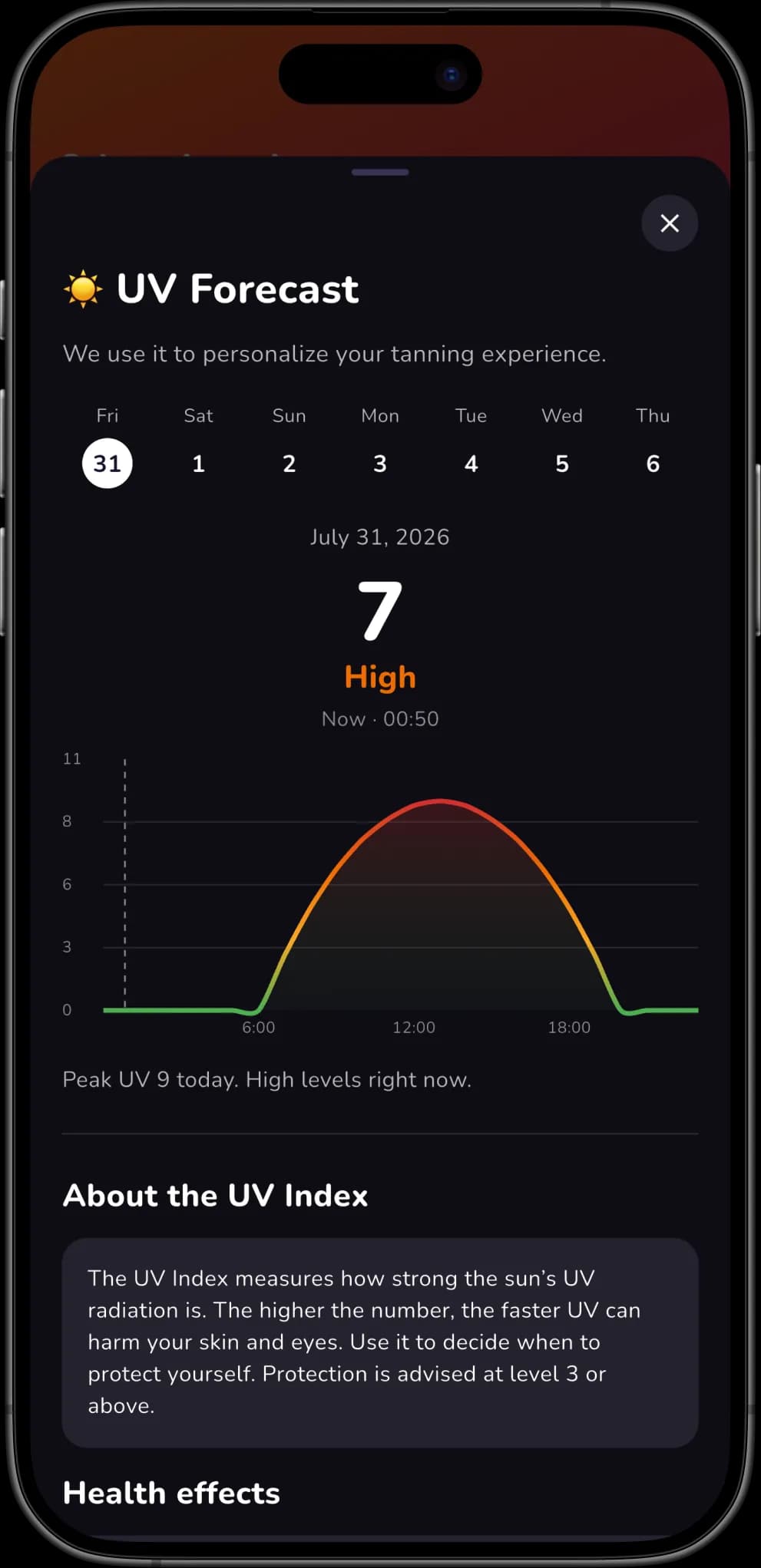
Sunlit pulls the current UV index, temperature and cloud data for your coordinates from Open-Meteo and refreshes it every 30 minutes, so today's number reflects today's sun.
Timed Rounds With Turn-Over Alerts
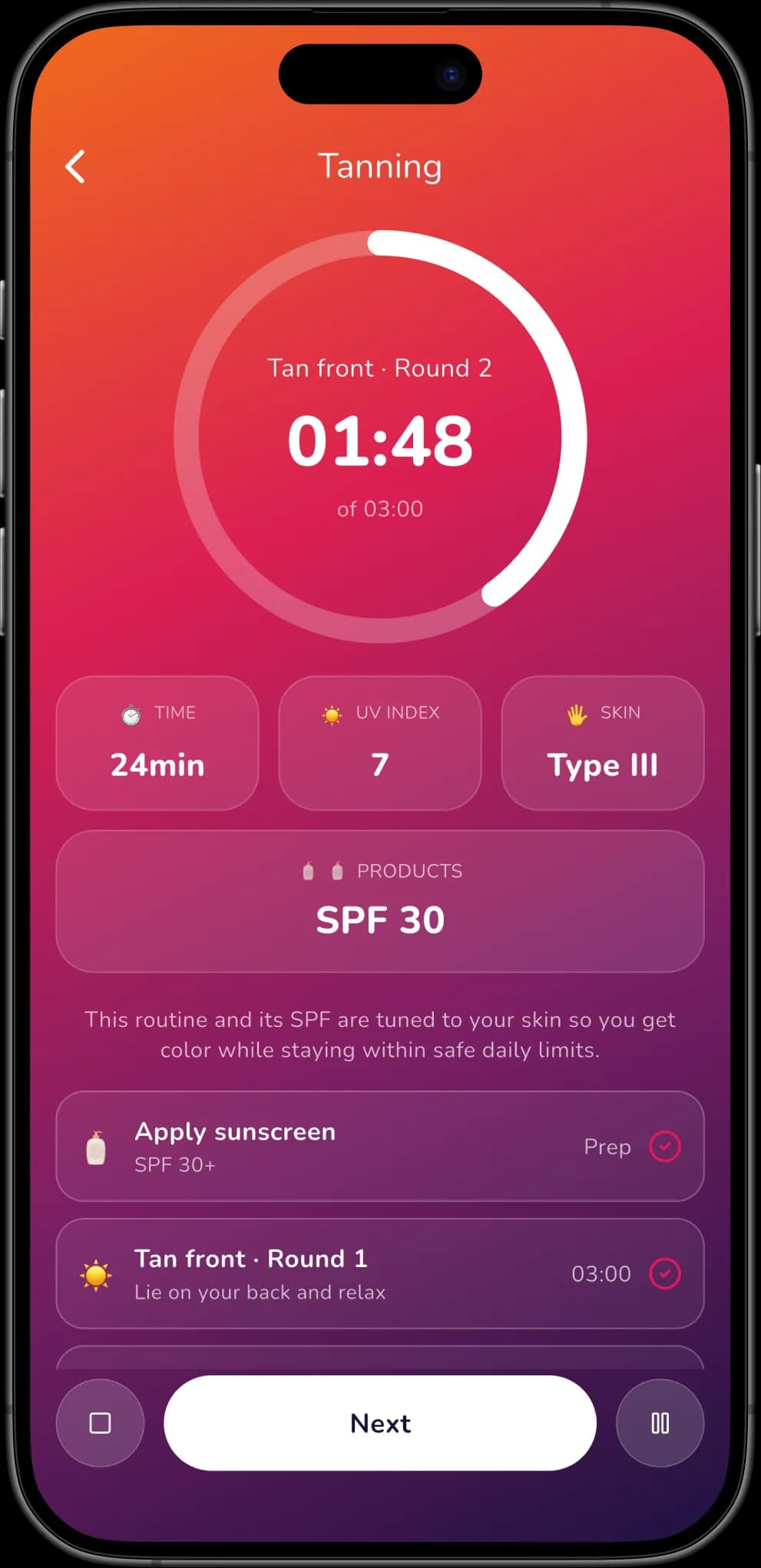
Sunlit splits your safe minutes into front, back and side rounds, alerts you at every turn, and reminds you to reapply SPF mid-session so one side never gets twice the dose.
AI Skin Scan in One Photo
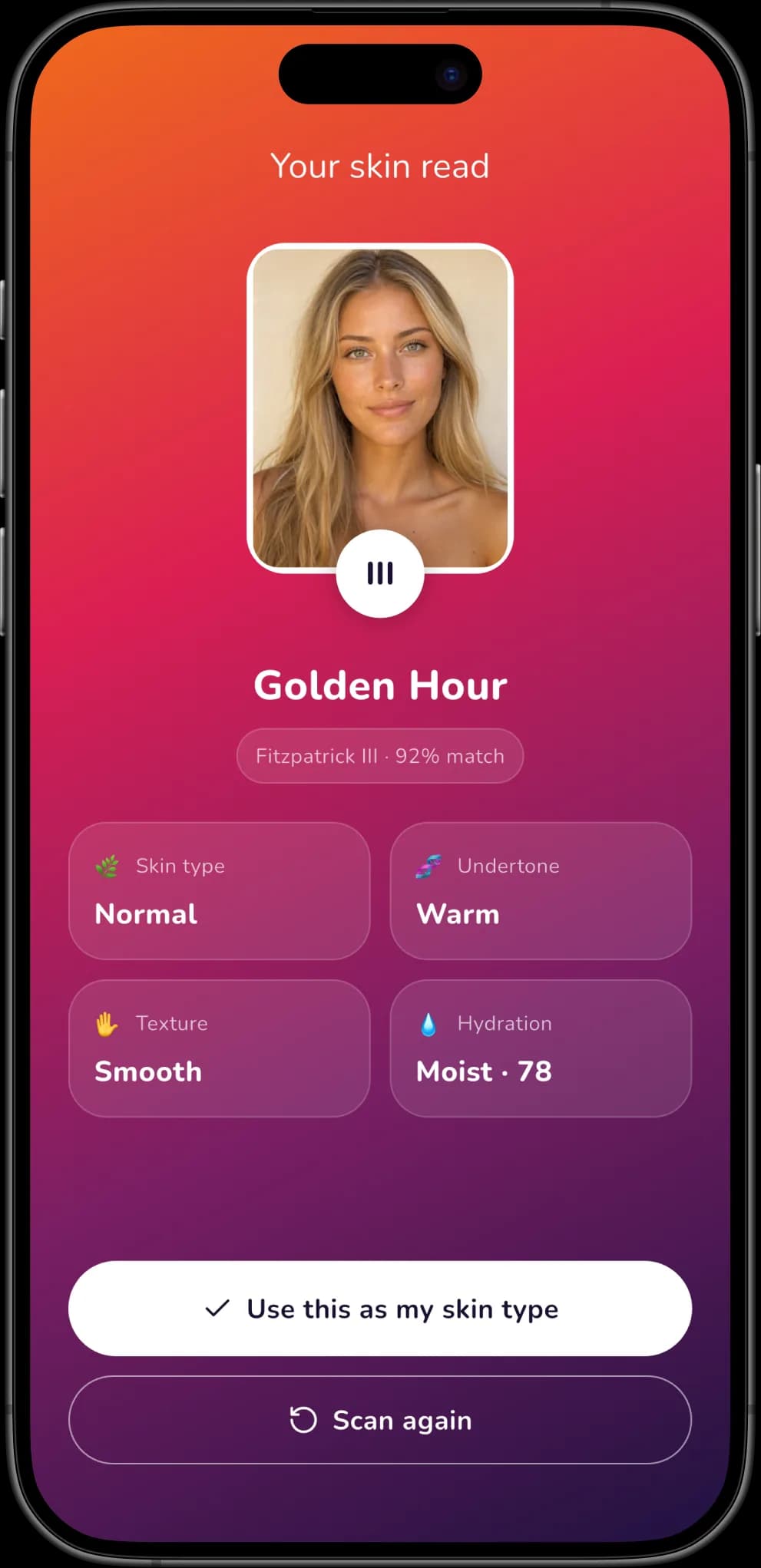
Point the camera at your skin and Sunlit estimates your Fitzpatrick type, undertone, hydration and skin condition in seconds — instead of asking you to match yourself to a chart.
Vitamin D You Can Count
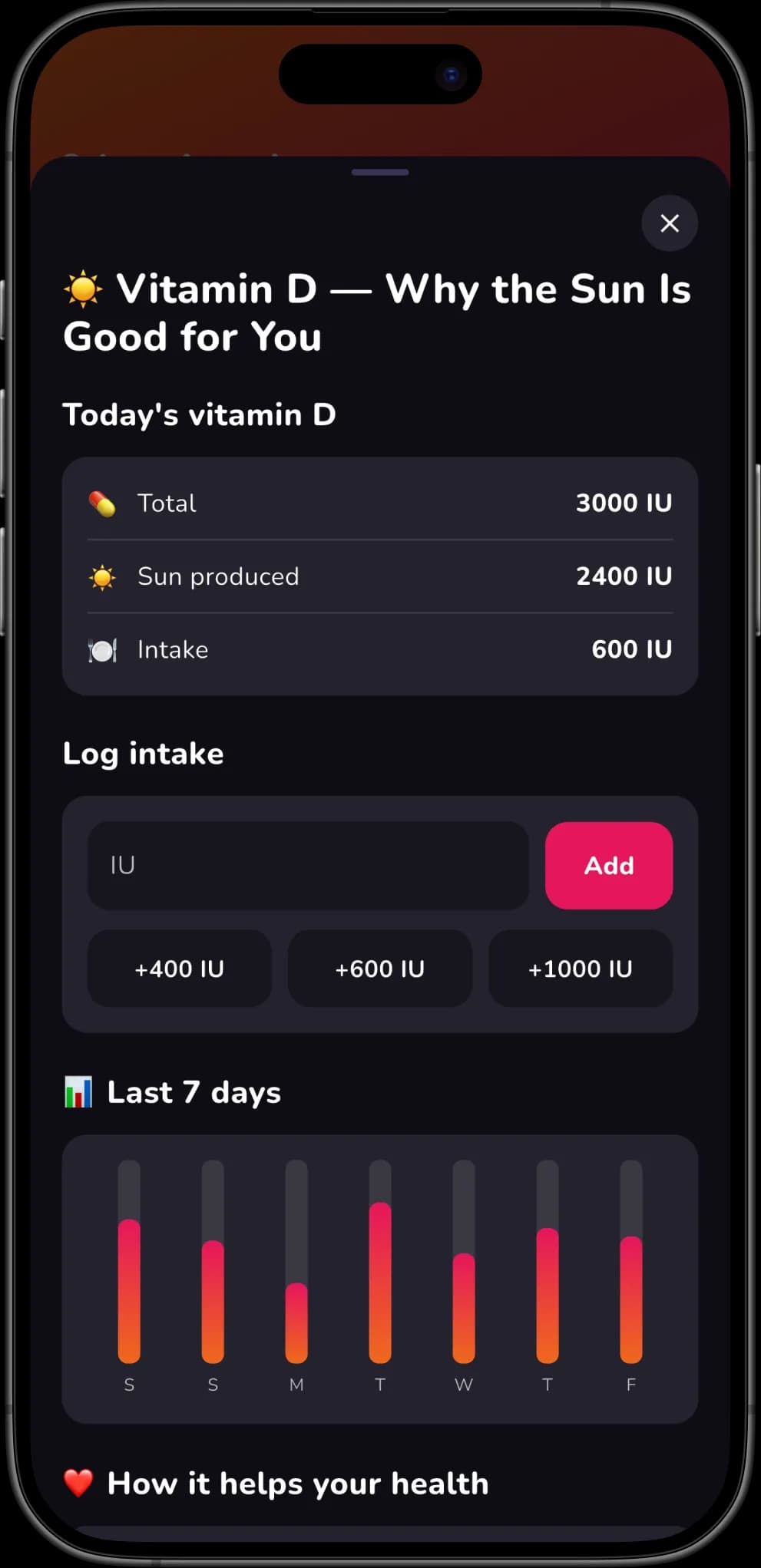
Sunlit estimates the vitamin D in IU your skin produced from each session and charts your last 7 days against your daily target, so you know when the sun already covered it.
10-Day UV Forecast, Any City
See peak UV, sunrise and sunset for the next 10 days, and pin any city by name if you would rather not share your location or you are checking where you're travelling to.
iPhone, iPad and 39 Languages
Sunlit runs on iPhone and iPad with iOS 13 or later, and its entire interface is translated into 39 languages — not just the store listing.
Your Skin Data Stays on Your Device
Your skin profile, sessions and vitamin D log never leave your phone. There is no account, no email address, and Sunlit ships no advertising SDK.
How It Works
Three Steps to a Timed Session
Sunlit needs your skin type once and the UV index every time. Everything after that is a timer that knows when to tell you to turn over.
Tell Sunlit About Your Skin
Answer six questions about how your skin looks and how it reacts to sun, or take one photo for the AI scan. Sunlit maps that to a Fitzpatrick type from I to VI and keeps it on your device.
Check Today's UV
Open Sunlit where you are. It fetches the live UV index for your location and shows how many minutes you can tan before you burn, plus the best window in the next 10 days.
Start the Session
Sunlit runs the timer, alerts you at every turn-over, reminds you to reapply sunscreen, and logs the vitamin D you produced when the session ends.
Screenshots
See Sunlit in Action
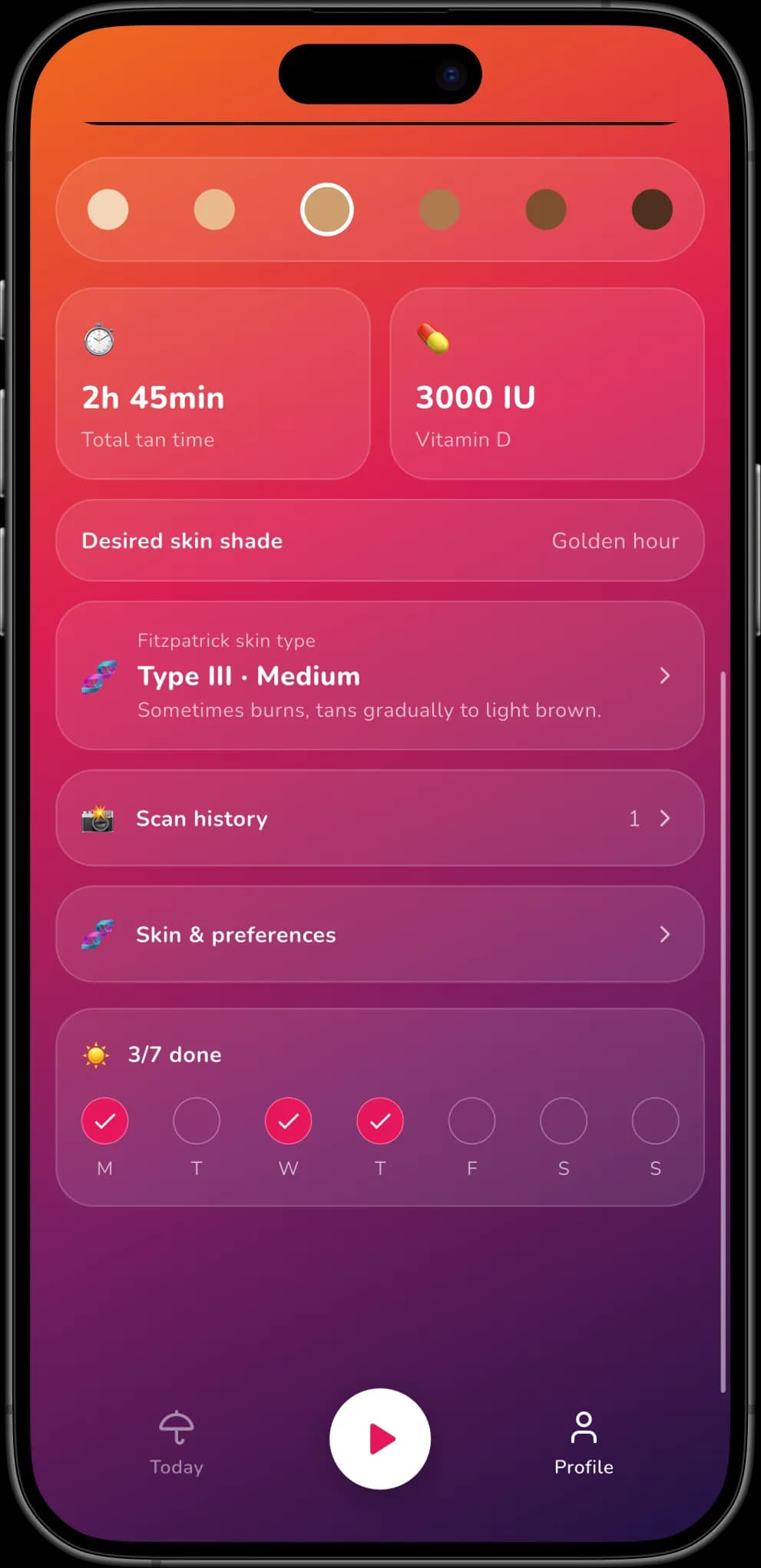
The UV read, the session timer, the skin scan and the vitamin D log — on iPhone and iPad.
FAQ
Questions About Sunlit
How the tanning times are calculated, what happens to your photo, and what Sunlit will not do.